Android-Powered Cloud Timelapse for Reliable Long-Term Projects
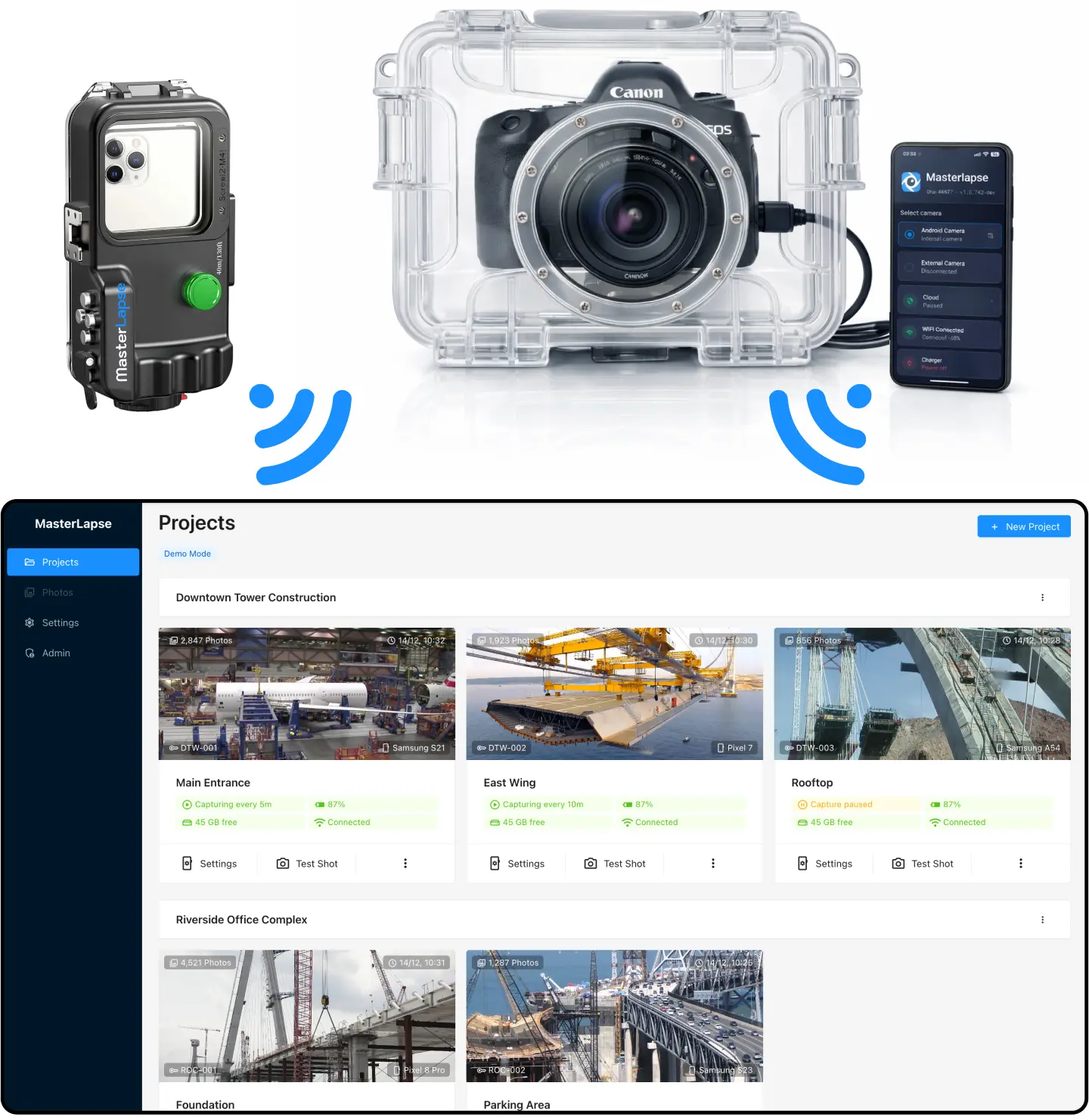
Connect your DSLR or mirrorless camera for professional quality, or use the mobile's built-in camera for quick setups — no extra hardware needed. Built for timelapse projects that run unattended for months or years — construction sites, buildings, and landscape monitoring.
- check_circle 5-minute setup — Get started
- check_circle Real-time cloud upload over 4G/5G or WiFi
- check_circle DSLR, mirrorless, or built-in mobile camera
- check_circle Runs unattended for months or years
- check_circle Monitor and control remotely via dashboard
2 Camera Modes
Use a professional DSLR or mirrorless camera connected via USB, or repurpose any Android phone as a standalone timelapse camera. Same app, same dashboard, same features.
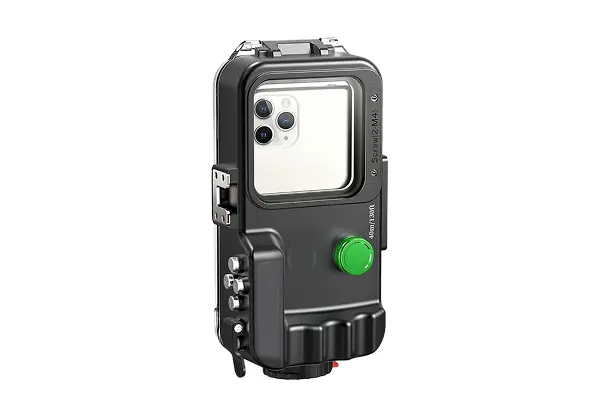
Built-in Mobile Camera
Use your phone's built-in camera for quick setups. Multi-lens, HDR, and low-noise mode included. Any Android device — spare phone or one with a great camera, your choice.
- check_circle Remote lens selection (wide, normal, tele)
- check_circle JPEG + RAW (DNG) capture
- check_circle Supports 200 MP hires cameraphones
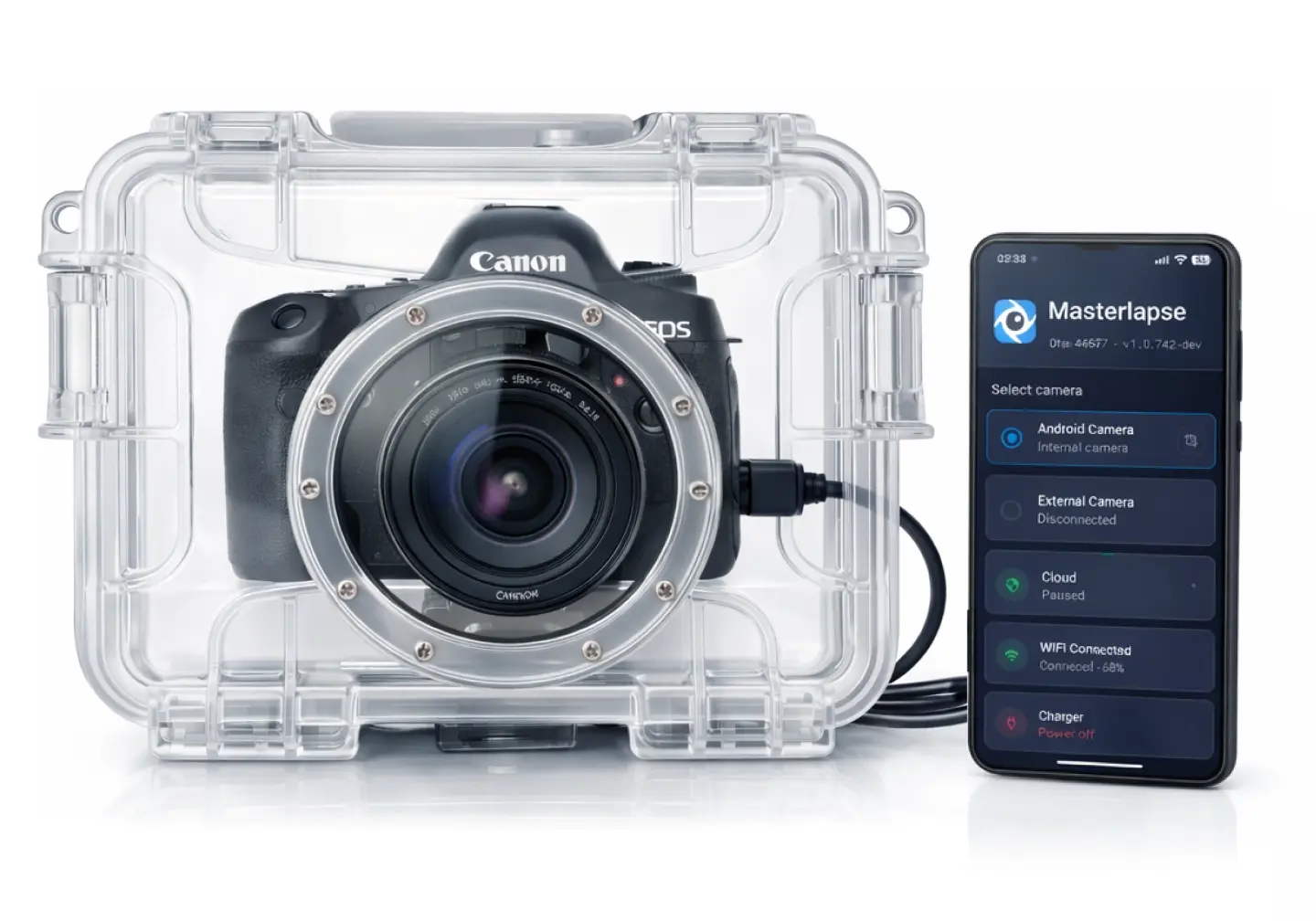
DSLR / Mirrorless
Connect your DSLR or mirrorless via USB for full sensor quality and RAW capture. Max image quality, true color depth, dynamic range, and resolution.
- check_circle Canon · Nikon · Sony · Fuji · Olympus
- check_circle JPEG + RAW (CR2, NEF, ARW, RAF, ORF) capture
- check_circle Repurpose old phones as controllers
Android Controller
Works over 4G, 5G, or WiFi
Intervallometer
Upload in real time
Offline mode — uploads when back online
Frees storage after upload
Live viewfinder
In-app test shot
GPS
Token-based easy authentication
Guided permissions setup
Remote Monitoring & Control
Intervallometer Controls
Capturing enabled/paused
Interval starting from 10s
Upload speed testing
Basic scheduling
Advanced scheduling
Camera Remote Controls
Lens selection (wide, normal, tele)
RAW capturing
ISO remote control
EV compensation
HDR
Noise reduction
Test shot (remote)
Gallery
Grid view
Player view
Gallery sharing
Bulk download (up to 500 GB)
Video Cloud Rendering
Video rendering up to 4K
Aspect ratio control (16:9, 4:3)
FPS control
Real-Time Status & Alarms
Poor network signal
Low battery
Power-off
Device overheating