smartphone MasterApp
Turn Any Android Phone into a Cloud Long-term Timelapse Camera
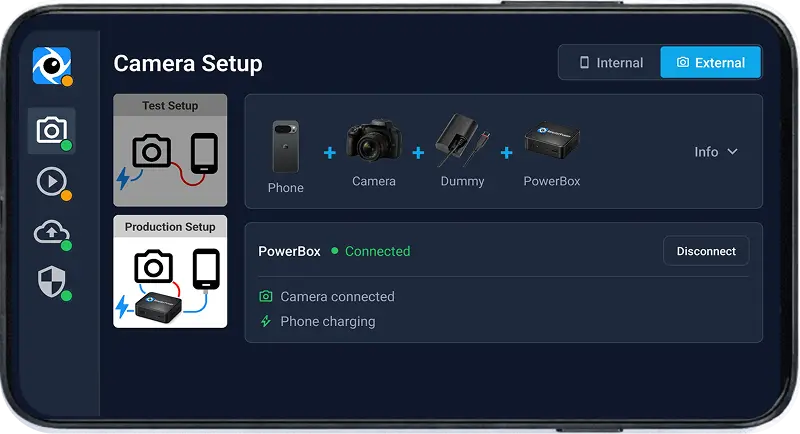
Use any Android device — spare phone or one with a great camera — for timelapse projects that run unattended for months or years: construction sites, buildings, landscape monitoring. Multi-lens, HDR, and low-noise mode included. No extra hardware needed.
- check_circle Supports any Android phone from 8 to 200 MP
- check_circle Real-time cloud upload over 4G/5G or WiFi
- check_circle Offline mode — uploads when back online
- check_circle Monitor and control remotely via dashboard
- check_circle Remote lens selection (wide, normal, tele)
- check_circle JPEG + RAW (DNG) + HDR capture
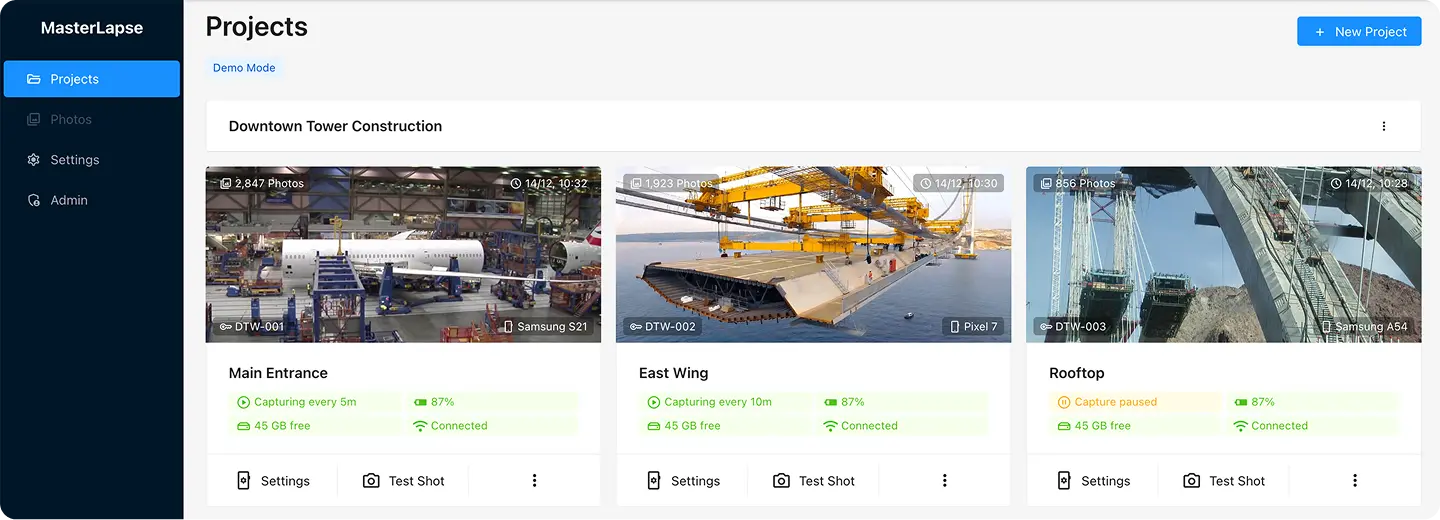
Start with the phone you have
Install the app, connect it to your account and start capturing. No extra hardware needed.
Get started arrow_forwardMobile Camera FAQ
What phones are supported? expand_more
Any Android phone with Android 8.0 or newer. We provide specific optimization guides for Samsung, Xiaomi, Huawei, OnePlus, Oppo, and more.
Does the phone need to stay connected to the internet? expand_more
The phone captures autonomously even offline. Photos are uploaded when connection is available. You can monitor status in real-time when online.
How long can the phone capture continuously? expand_more
With the phone plugged in and proper battery optimization settings, it can capture indefinitely — weeks or months continuously without interruption.
Can I use an old phone? expand_more
Absolutely! This is a great way to repurpose old Android devices. Any phone from 2018 onwards typically works great for timelapse capture.
What about storage limits? expand_more
Photos are uploaded to the cloud automatically. The system monitors local storage and pauses if space runs low, resuming when space is freed.