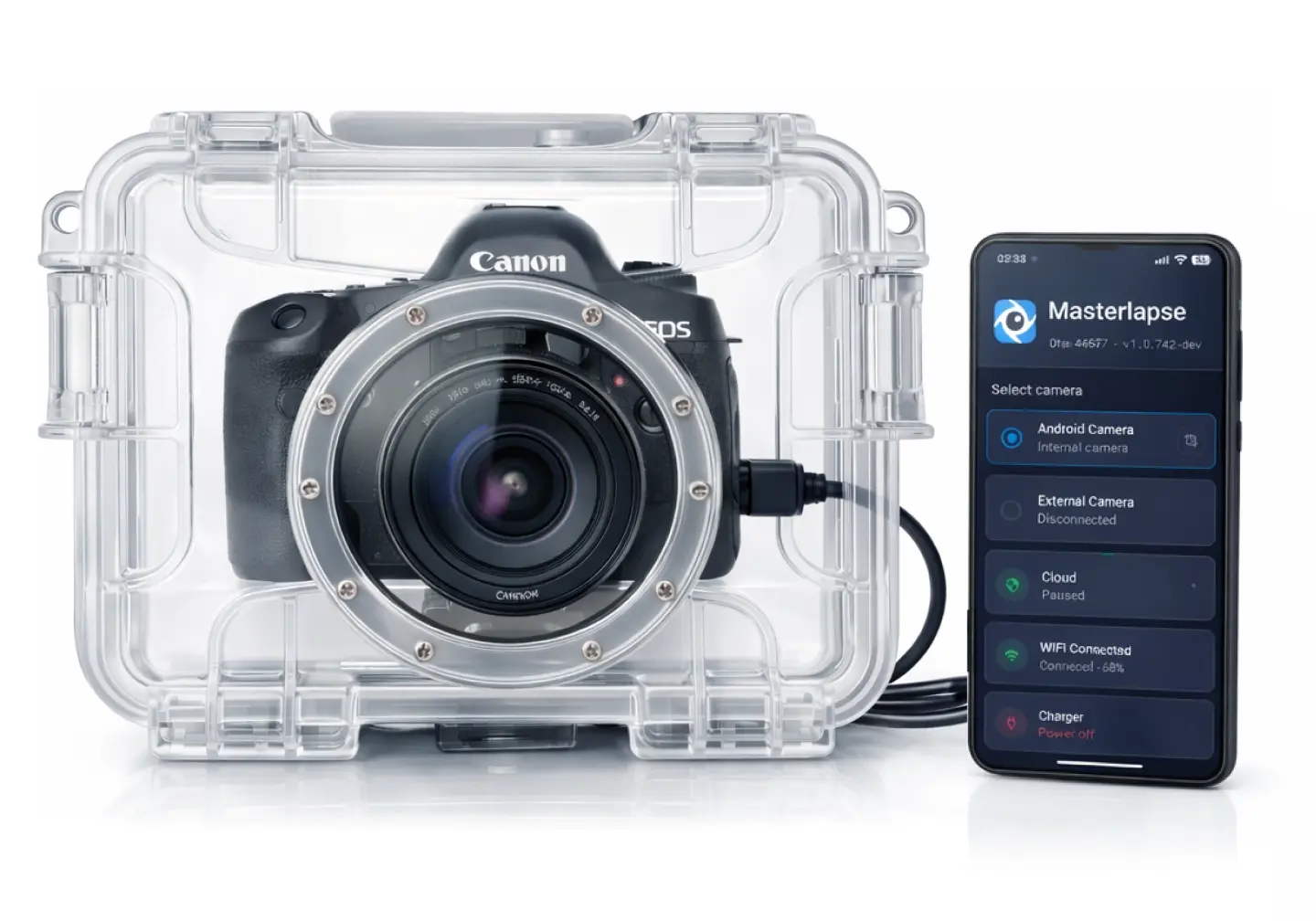
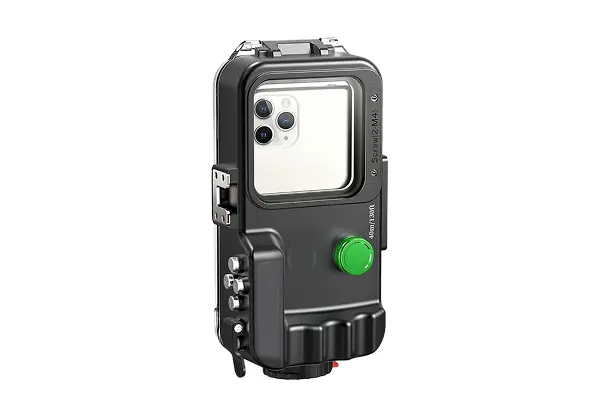
Get Started
Create your account, install the app, and start capturing.
Signup and get a token
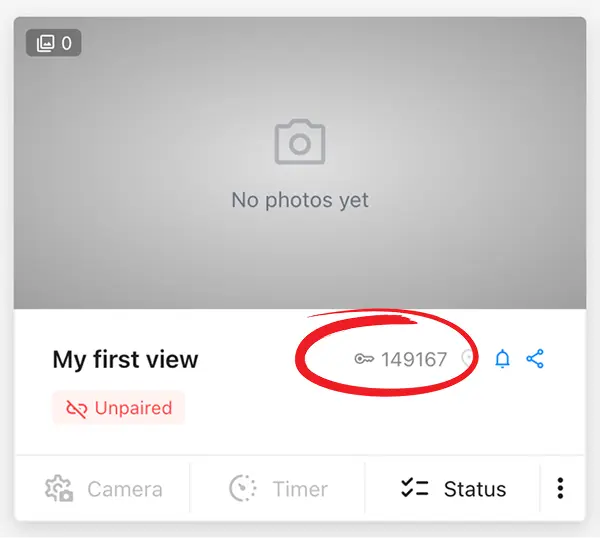
Sign up on the cloud dashboard — free, no credit card required.
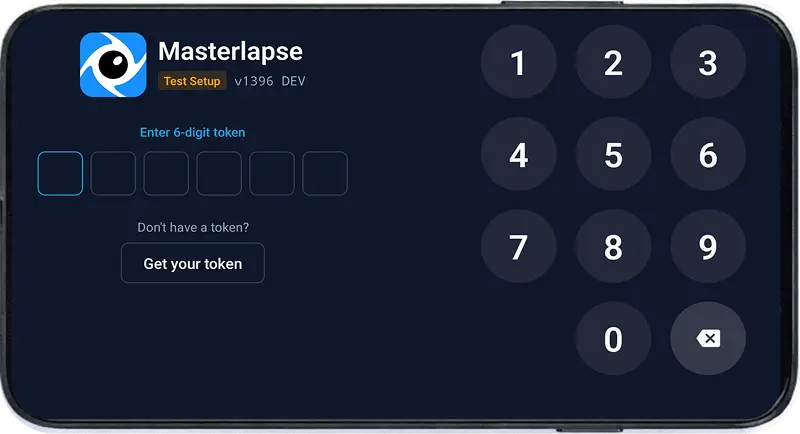
Once logged in, create your first View to get a token — a 6-digit pairing code used to link the mobile app to your cloud dashboard.
open_in_new Signup in DashboardInstall the App
Option A
Test Install
Do not use in production1 minute setup
Install the app directly on your everyday phone for a quick, full-featured evaluation.
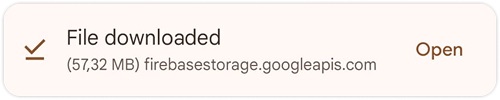
Scan the QR code or tap the download link below on your Android phone.

Open the downloaded file from your notifications or the Downloads folder, and confirm the security permissions when prompted.
Open the app and enter the 6-digit token from your dashboard.
Test Install limitations
warning Not ideal for long-term timelapse and unattended locations.
- close App does not restart after reboot or power outage.
- close Permissions may be auto-revoked by Android if unused.
- close Other apps may interfere with DSLR USB connection.
To avoid these limitations, use Production Install instead.
Option B
Production Install
Recommended5 minutes setup
Turn your phone into a dedicated, robust, always-on timelapse station — auto-starts on boot, self-updates, and runs unattended for months. Requires a factory reset.
What you get with Production Install
- check Locks the device to MasterLapse
- check Auto-starts on boot — survives power outages
- check Disables navigation buttons — tamper-resistant
- check Silent over-the-air updates — no downtime or manual interaction
- check Permissions auto-granted — never revoked by Android
- check Exclusive USB access — no competing apps for DSLR connection
Factory reset: Settings → System → Reset → Factory data reset.
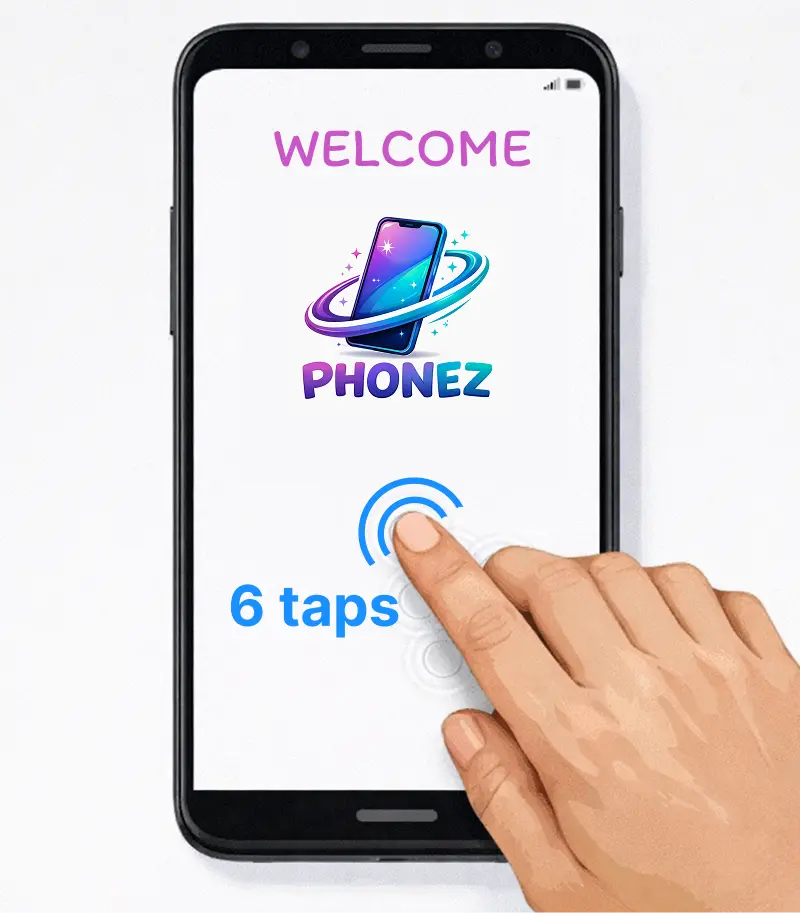
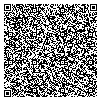
Enable enterprise provisioning (standard feature on all Android devices): On the welcome screen, tap the Welcome title (or any empty area) 6 times. A QR scanner will open.
 arrow_forward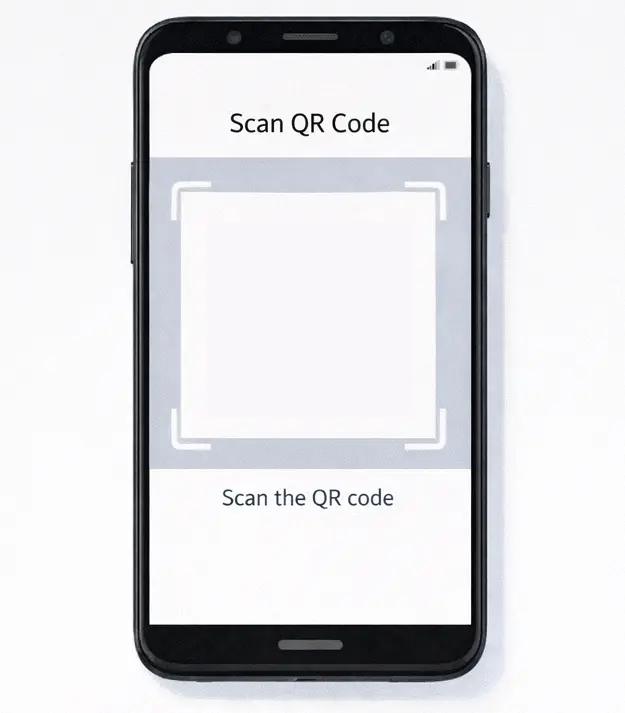
warning On some devices the scanner opens later, after choosing the language and legal terms.
Start the installation: Scan the code below.
- Do not sign in to Google
- Accept Google services (location, etc.)
- Ignore provisioning warnings like "admin can access your microphone, passwords etc.". MasterLapse only accesses the camera
- Confirm MasterLapse security permissions when prompted
- Skip everything not related to MasterLapse (e.g. parental control and bloatware)
Wait for the setup to complete: The app will launch automatically. Enter the 6-digit token from your dashboard.
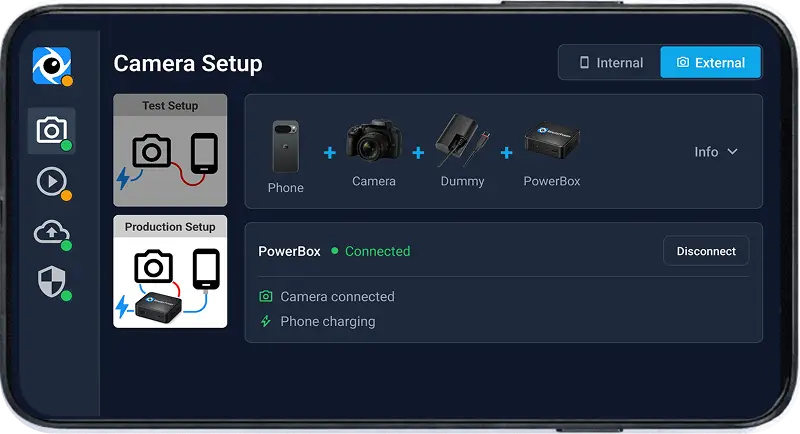
Set up in the field
Follow the step-by-step guide for your camera setup.