Free Beta All features free while we're in beta arrow_forward

Turn Any Android Phone into a Cloud Long-term Timelapse Camera
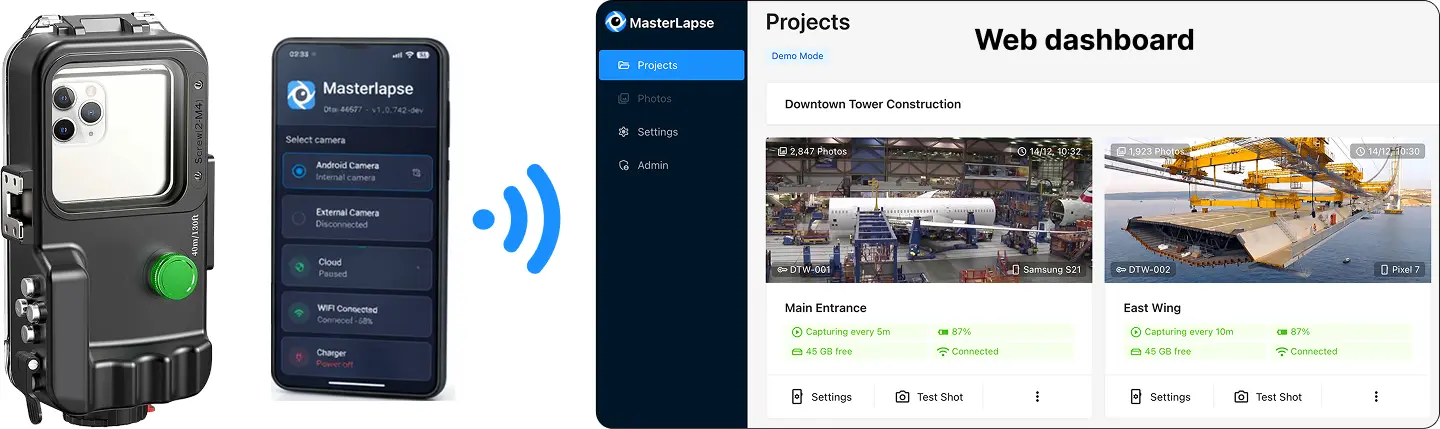
Android phone as cloud long-term timelapse camera

Use any Android device — spare phone or one with a great camera — for timelapse projects that run unattended for months or years: construction sites, buildings, landscape monitoring. Multi-lens, HDR, and low-noise mode included. No extra hardware needed.
OR
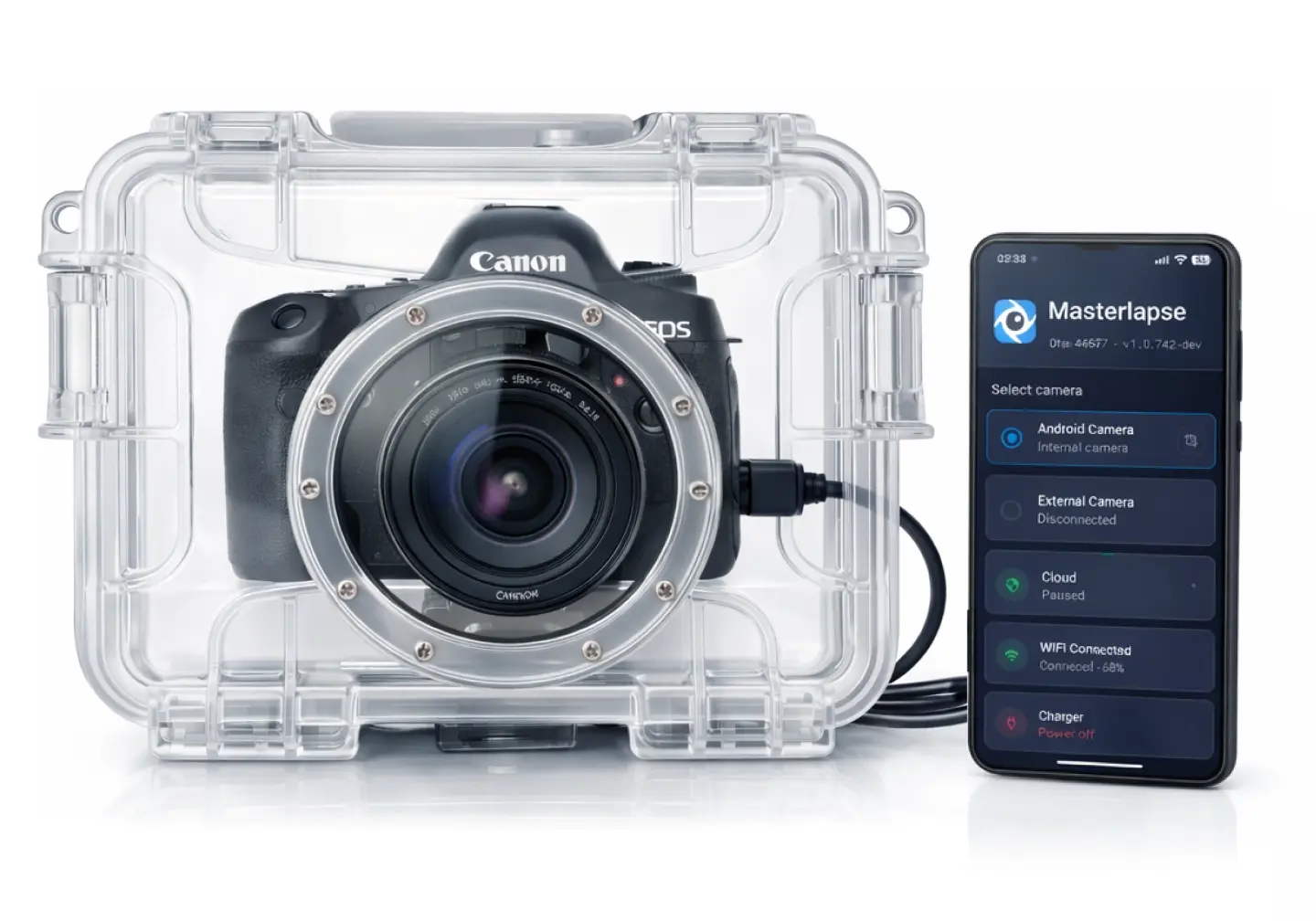
DSLR mirrorless controller timelapse Do you want to connect a DSLR/mirrorless instead?
  • check_circle Supports any Android phone from 8 to 200 MP
  • check_circle Real-time cloud upload over 4G/5G or WiFi
  • check_circle Offline mode — uploads when back online
  • check_circle Monitor and control remotely via dashboard
  • check_circle Remote lens selection (wide, normal, tele)
  • check_circle JPEG + RAW (DNG) + HDR capture
  • check_circle 5-minute setup — Get started

How the Mobile Camera Works

Start capturing in minutes

01
person_add

Install & Pair

Download the app on any Android phone. Enter the 6-digit code from your cloud dashboard to pair the device. See our Field Setup Guide for phone and hardware recommendations.

02
install_mobile

Position & Configure

Place the phone where you want to capture. Configure intervals, schedules, and camera settings remotely from your browser.

03
dashboard

Capture Autonomously

The phone captures on schedule, uploads photos to the cloud, and sends alerts if anything needs attention. No maintenance required.

smartphone

Android Controller

signal_cellular_alt

Works over 4G, 5G, or WiFi

timer

Intervallometer

cloud_upload

Upload in real time

arrow_upload_progress

Offline mode — uploads when back online

delete_sweep

Frees storage after upload

crop

Live viewfinder

location_on

GPS

key

Token-based easy authentication

verified_user

Guided permissions setup

dashboard

Remote Monitoring & Control

schedule

Intervallometer Controls

pause_circle

Capturing enabled/paused

timer

Interval starting from 10s

speed

Upload speed testing

schedule

Basic scheduling

date_range

Advanced scheduling

tune

Camera Remote Controls

circle_circle

Lens selection (wide, normal, tele)

raw_on

RAW capturing

exposure

EV compensation

hdr_on

HDR

blur_on

Noise reduction

photo_camera

Test shot (remote)

photo_library

Gallery

grid_view

Grid view

play_circle

Player view

cloud_download

Bulk download (up to 500 GB)

videocam

Video Cloud Rendering

high_res

Video rendering up to 4K

aspect_ratio

Aspect ratio control (16:9, 4:3)

speed

FPS control

notifications

Real-Time Status & Alarms

signal_cellular_alt_2_bar

Poor network signal

battery_2_bar

Low battery

power_off

Power-off

Mobile Camera FAQ

What phones are supported? expand_more
Any Android phone with Android 8.0 or newer. We provide specific optimization guides for Samsung, Xiaomi, Huawei, OnePlus, Oppo, and more.
Does the phone need to stay connected to the internet? expand_more
The phone captures autonomously even offline. Photos are uploaded when connection is available. You can monitor status in real-time when online.
How long can the phone capture continuously? expand_more
With the phone plugged in and proper battery optimization settings, it can capture indefinitely — weeks or months continuously without interruption.
Can I use an old phone? expand_more
Absolutely! This is a great way to repurpose old Android devices. Any phone from 2018 onwards typically works great for timelapse capture.
What about storage limits? expand_more
Photos are uploaded to the cloud automatically. The system monitors local storage and pauses if space runs low, resuming when space is freed.